 Opalis Glass
Old parchment
A pale, warm beige with stains and fibres. Calm enough that the symbol always comes first.
Glyphhaus makes carefully crafted icon packs for Android.
Over 540 icons in a watercolour style on old, pale parchment and framed by a fine double line of ink. Your home screen becomes a clearing in the woods at dusk.


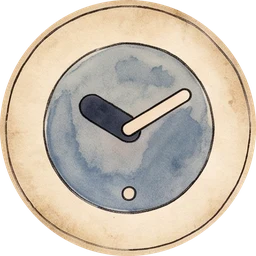

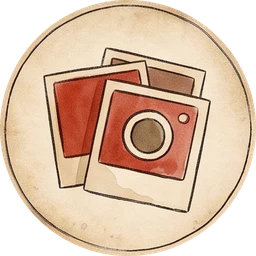


Every icon is a small medallion: an object you know at a glance, painted with soft edges and visible brush strokes – as if a forest gnome had copied your apps by candlelight.
A pale, warm beige with stains and fibres. Calm enough that the symbol always comes first.
Soft washes, glaze over glaze, little blooms where the paint dried. No two icons look printed.
A fine dark double ring holds every medallion together – the same frame from the first icon to the 540th.
A handful from more than 540 icons – sorted by what you open every day.
Messengers, streaming, banking, games: the popular apps are in the pack – each one painted to match the woods.
The Requests tab in the app lists every installed app that hasn’t been painted yet. Tap, send the mail – it goes on the easel.
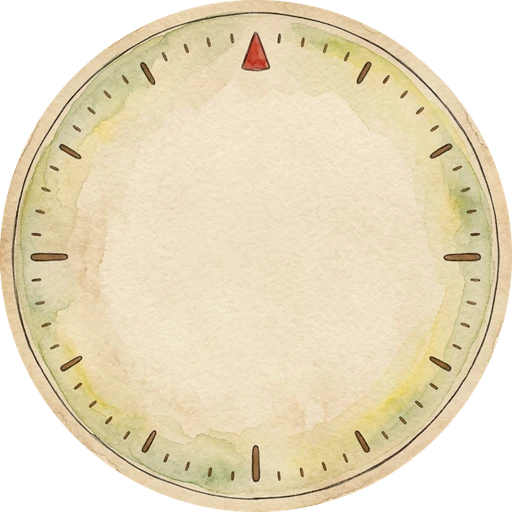
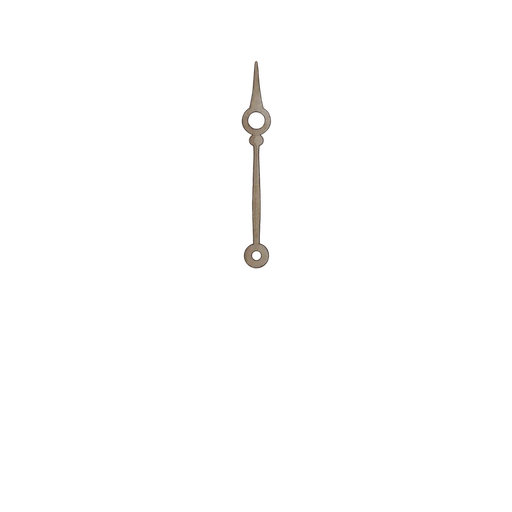
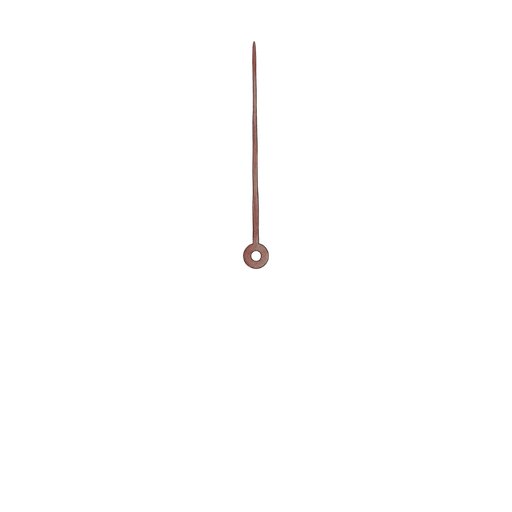

Medallions on the home screen, a painted clock above them – everything in the same evening light.
A watercolour dial with ink hands, on the same parchment as the icons. It fits on any home screen.
The app detects your launcher and sets Gnome directly – or leads you to the right menu.
Apps without a medallion are listed in the app. One mail, and they are on the list.
Preview – the clock shows your current time.
The app recognises 25 launchers. With most of them a single tap is enough; for the rest it shows you the way.
Pixel and Xiaomi launchers can’t use icon packs – a free launcher such as Lawnchair helps.

No price and no store link yet – the last icons are still drying. Drop us a line and we’ll write to you once, when Gnome is out.
Opens your mail app with the subject “Gnome”. One reply when it’s out – nothing else.
As soon as the last medallions are painted. There is no date and no price yet – send us a short mail and you’ll be the first to know.
Almost any. The app detects 25 launchers – with Nova, Niagara, Smart Launcher and many more, one tap is enough. With ColorOS, OxygenOS or Lawnchair it takes you to the right menu.
Long-press an empty spot on your home screen, choose “Widgets” and drag the Gnome clock into place. It keeps the time by itself.
The Pixel launcher doesn’t support icon packs. With a free launcher like Lawnchair or Kvaesitso, Gnome works right away.